
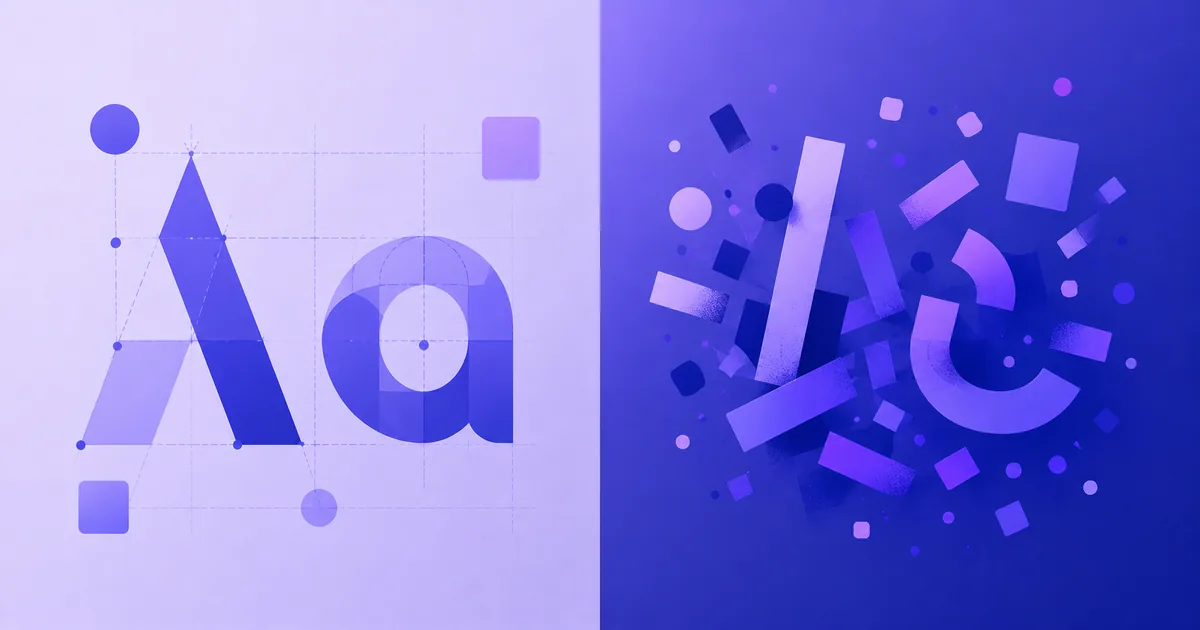
Unicode fonts vs downloadable fonts: what's the difference?
Unicode fonts copy and paste anywhere; downloadable fonts need a file. Here's the real difference and when you'd use each one.
Two Different Worlds
Whether you are designing a website, custom-branding a business, or styling your gaming client nickname, you will encounter two different approaches to typography: Unicode style mappings and Installable font files.
1. Downloadable Fonts (TTF, OTF, WOFF)
Installable fonts are vector files that contain drawings for individual characters. Examples include Times New Roman, Roboto, and Montserrat.
- How they work: You install these files (.ttf, .otf) on your physical computer, or embed them on a website using CSS rules (
@font-face). - Use cases: Document design, brand packaging, print design, logo creation, and custom software.
- The catch: If you send a document styled in a custom downloadable font to someone else, they can only see it if they also have that exact font file installed—otherwise, it falls back to standard Arial or Calibri.
2. Unicode Fonts (Copy & Paste Stylized Characters)
These are not actual files. Instead, they leverage Unicode block ranges which carry pre-drawn, standardized aesthetic glyphs including mathematically stylized alphabets (blackletter, cursive, double-struck).
- How they work: The system uses standard plain text. Because the styling is structural to the Unicode symbol itself, the user simply copies and pastes it.
- Use cases: Instagram bios, TikTok display names, stream channels, chat status entries, and game clan tags.
- The catch: These symbols are intended for scientific notation and accents, so screen readers can struggle to interpret them as regular dictionary words. Use them sparingly for headers, initials, and short phrases rather than full paragraphs.
Sam Whitaker
Typography & Unicode editorSam writes about Unicode text, fonts and how they behave across apps. Every generator on the site is tested by hand before it's marked safe.